E-commerce
The storefront path end to end: product detail, grid, cart, checkout, and order confirmation.
These compose the product components into whole screens. As with those, money arrives as raw numbers and is formatted through formatPrice, so one override changes every figure on the screen at once.
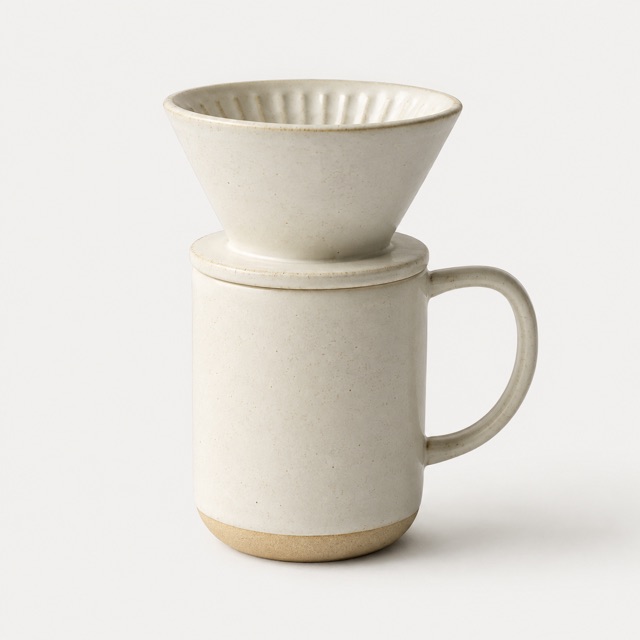
Ceramic Pour-Over Mug
A hand-thrown ceramic mug designed for slow mornings. Wide mouth for easy pouring, comfortable handle, dishwasher safe.
Product grid
showFilterBar is a real prop rather than being inferred from the product count — a three-item curated collection usually shouldn't offer sorting, and only you know which lists are curated.
New arrivals
Thoughtfully made home goods, restocked every week.
Ceramic Pour-Over Mug
Handcrafted from natural stoneware clay, this minimal pour-over mug features a built-in ceramic dripper for slow, single-cup brewing. Dishwasher safe and made to last.
 -30%
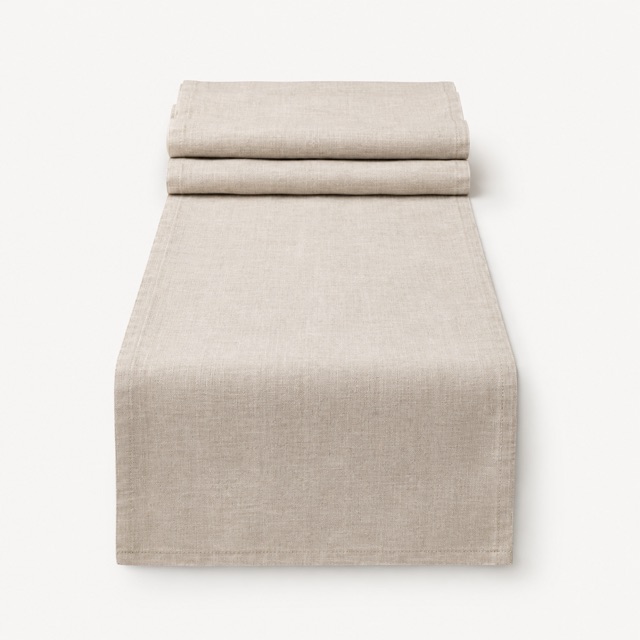
-30%Linen Table Runner
Woven from 100% European flax linen, this table runner adds effortless texture to any setting. Pre-washed for a soft, lived-in drape. Machine washable and naturally durable.
 Out of stock
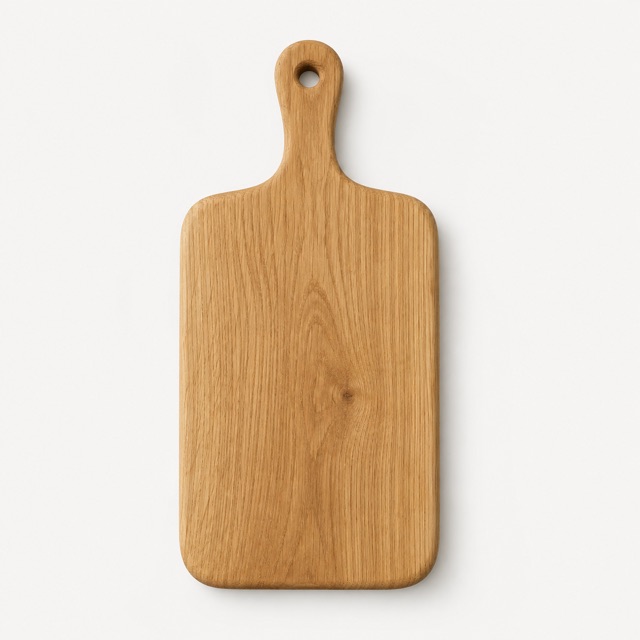
Oak Serving Board
A brief description of an oak serving board for an e-commerce store
Ceramic Pour-Over Mug
Handcrafted from natural stoneware clay, this minimal pour-over mug features a built-in ceramic dripper for slow, single-cup brewing. Dishwasher safe and made to last.
Cart
Unlike the bare CartItem component, this block does total the line items and render the summary. shippingCost defaults to 0, which shows as "Free".
Your cart (2)
Ceramic Pour-Over Mug
Color: Sand
$28.00
Linen Table Runner
Color: Natural
Checkout and confirmation
On OrderConfirmationBlock, passing estimatedDelivery is what adds the delivery row and Track order button — the same derive-don't-flag pattern the product components use.
Shipping address
Order summary
Ceramic Pour-Over Mug
Color: Sand
$28.00
Order confirmed
Thanks for your order. We’ve sent a confirmation to your email.
Order #SK-40218
Ceramic Pour-Over Mug
Color: Sand
$28.00
Copy the source
Blocks are composition examples, not configurable components. Rather than adding props for a layout they don't support, copy the file into your own project and edit it: change the columns, swap the sample data, delete the parts you don't need. Nothing here introduces a primitive you can't already import on its own.
Why it works this way
Why
- Money arrives as raw numbers and is formatted through formatPrice, so one override changes every figure on the screen.
- showFilterBar is a real prop rather than inferred from the product count, because only you know which lists are curated.
- Passing estimatedDelivery to OrderConfirmationBlock is what adds the delivery row and Track order button.
Don't
- Don't pre-format prices. Pass numbers.
- Don't offer sorting on a short curated collection.